Canva AI Magic Studio in 2026: A Designer's Honest Review
Canva's Magic Studio bundle now does almost everything. We tested every feature for two weeks. Here's the truth.

Canva's Magic Studio bundle in 2026 quietly turned Canva from a template tool into a serious AI design platform. We spent two weeks pushing it.
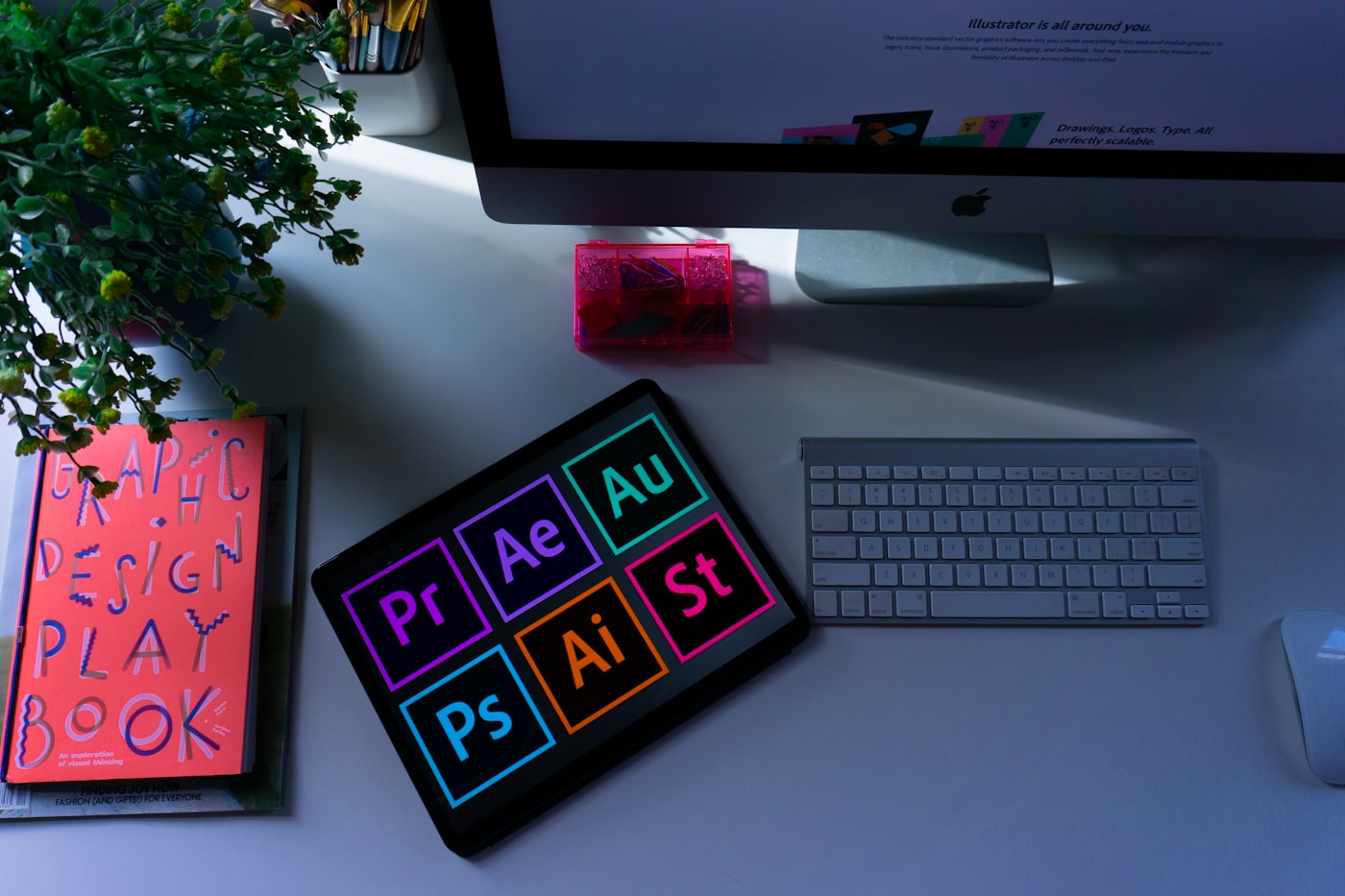
What's Inside Magic Studio
- Magic Design — generate full decks from a prompt.
- Magic Write — copy generation in-canvas.
- Magic Switch — convert design to 8 formats with one click.
- Magic Media — text-to-image and text-to-video.
- Magic Eraser & Edit — Photoshop-grade retouching.
What Works Brilliantly
Magic Switch is the killer feature. One Instagram post → LinkedIn carousel → Twitter banner → email header in seconds, on-brand.
What Still Needs Work
Magic Media's video generation is below Runway and Pika. Stick to Canva for stills.
Pricing
$14.99/mo Pro · $30/mo Teams. Magic Studio is included in both.
Real-World Impact
A 4-person marketing team we interviewed produced 3x more visual content/month after standardizing on Canva Pro + Magic Studio.
Key Takeaways
- Magic Switch alone justifies the price.
- Stick to Midjourney/Runway for hero visuals.
- Brand Kit AI keeps small teams consistent.
FAQ
Is Canva Pro worth it in 2026?
Yes — Magic Studio is the new floor of design productivity.
Can it replace Adobe?
Not for high-end design — but for 90% of marketing work, yes.
Conclusion
If you ship visual content weekly, Magic Studio pays for itself in a day. Try it free.
You might also like
 🎨 AI Design & Media
Sora 2 vs Veo 3 vs Runway Gen-4: The May 2026 AI Video Showdown
Twelve identical prompts. Three flagship video models. One clear winner per use case — the May 2026 verdict.
 🎨 AI Design & Media
Midjourney v7 vs Flux 2 vs Ideogram 3: The 2026 AI Image Showdown
Three new flagships. 120 generations. One clear champion per use case.
 🎨 AI Design & Media
Sora 2 vs Runway Gen-4 vs Veo 3: AI Video in 2026, Tested
AI video crossed the uncanny valley this year. Here's which model leads — and where each one still fails.